Tooling choices are a subjective matter. Lately, I’ve been observing colorette taking over eroding chalk, and I have few thoughts on this subject.
My current consensus is, at first, to avoid any terminal colourizing helpers, then, only then, consider using one. For the record, at the time of writing, I have published a dozen of CLI’s, and while half of them use a colourization helper, the other half does not. Out of those that do, one uses colorette, and 5 are using chalk.
In my opinion, what matters when choosing one is fundamentals — particularly, do unused “colours” (or any other cruft) end up in your bundle. When you import blue, bold and underline from colorette:
import { blue, bold, underline } from "colorette";
only those end up in your bundle.
But whole chalk will end up in your bundle:
import chalk from "chalk";
On the other hand, a) I don’t transpile or bundle CLI’s at all; and b) chalk seems more developer-friendly. Chained methods get code suggestion hints, compare:
chalk.blue.underline.bold("hi");
// vs
underline(bold(blue("hi")));
For the record, there’s also ansi-red and bunch, but it seems a bad idea to split colourization wrappers into standalone libraries. What if you change your mind, to use not red but green? Would you replace one dependency with another? In that light, ansi-* group, in my opinion, will never outcompete chalk or colorette.
Colorizing helpers are optional
It’s crucial to dispel any FUD around the terminal colourization subject.
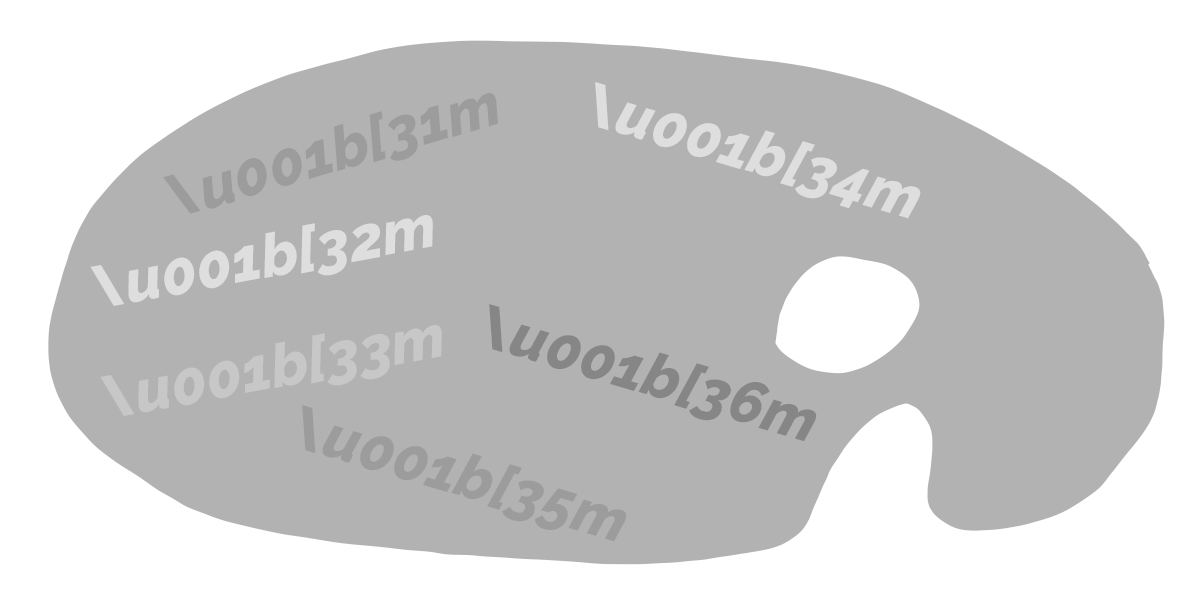
All it takes to colourize the text in the terminal is to wrap it with two special chunks of text.
No magic here.
The frontal part contains a colour code (31 for red, 32 for green and so on), ending part is always 39. Personally, I snippetized all six or seven of them and memorized the numbers. For example, I have set up a snippet q - q - <the first letter of the colour> on Dash (yes I’m still using the notorious one), which produces something like:
`\u001b[${33}m${`text`}\u001b[${39}m`
where “text” is placeholder. I deliberately wrapped colour numbers as ES6 template literals because they get highlighted; it’s easier to visually-grep.
This is it.
No magic.
The only challenge is when you want to stack the styling: for example, bold and red and background fill. But it’s rare, and in those cases, I reach for chalk or, more recently colorette.